What is Squad?
Squad is a multiplayer FPS action and war game that simulates an environment as if you were in real combat, in a Call of Duty-style experience.
In this game, organization and teamwork are very important. For your team to win, you’ll need the best communication and the best tactics. Confront your enemies in an immersive and realistic environment.
Favela mod
One of the coolest things we see in-game is the possibility of customization, using mods created by the player community itself. There you’ll see BOPE vehicles and uniforms, Rio de Janeiro favelas, weapons with soccer team flags, characters, etc.
It’s thanks to the community that you can play with your friends in a favela setting. The maps and mods are frequently updated. This varies a lot from one server to another.
In fact, this is not the only game to have included favelas in its setting. We’ve already seen this in the game 171. And it’s also possible to create custom favelas on FiveM servers.
How to install the favela mod?
There are two ways to install favelas in Squad. Usually it’s automatic when you join a server that has this mod. If not, you’ll have to install it manually via Steam.
If you’ve never seen the favela mod in Squad, here is an example video: https://youtu.be/n8mgkQK739A?si=wQ9gUzVZ2gC1P74k
You’ll also find many famous streamers playing there, such as Luqueta, Coringa, and Julio Pistolada.
Currently, Squad is on a limited-time promotion on Steam, at -60%. The link is here: https://store.steampowered.com/app/393380/Squad/
What are the minimum requirements?
| Component | Requirement |
|---|---|
| Operating System | 64-bit Windows 10 |
| Processor | Intel Core or AMD Ryzen with 4 cores |
| Memory | At least 8 GB of RAM |
| Video card | Geforce GTX or AMD Radeon with at least 4 GB of VRAM |
| Storage | 80 GB of available space |
Which server should you play on?
In the game, there are many servers with a Brazilian theme. One of the most famous is Arena Brasil. Because it’s popular, it’s always full. If you don’t want to wait too long, just go to the “Servers” tab and type “Brasil” to find other servers.
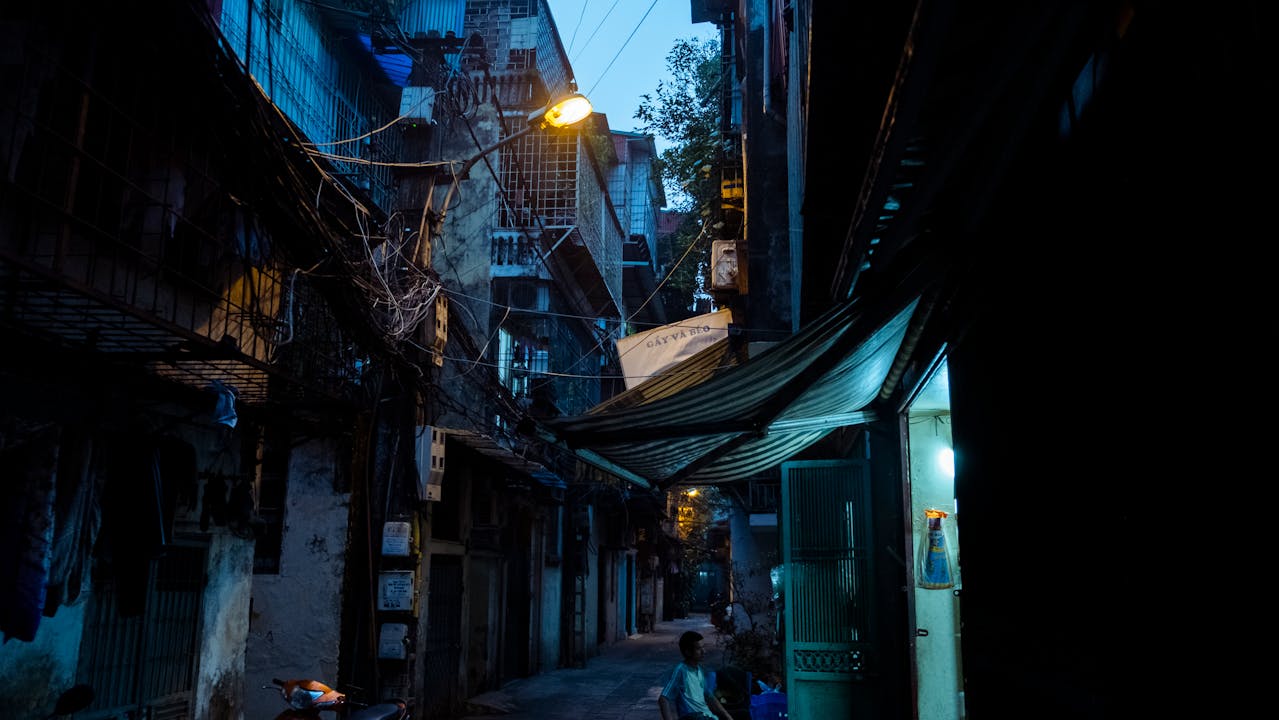
Image: Creative Commons.