Hello, I’ve seen many people with this famous error lately, even though it’s something simple to fix.
For those who don’t know, Vanguard is Riot’s anti-cheat system. It’s on your PC to make sure you’re not using any tool that gives you advantages in the game.
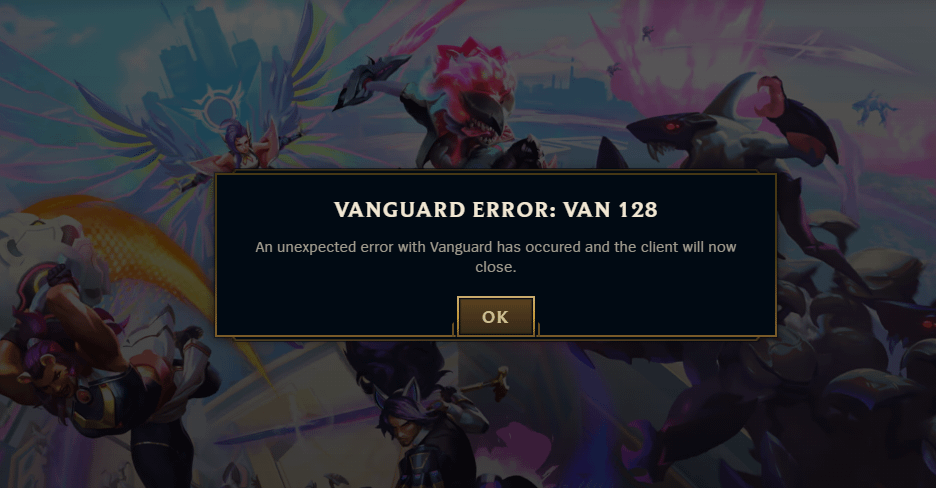
The Vanguard VAN 128 error has been appearing frequently in LoL since May, due to some software that was installed on your computer.
Some of the solutions are:
-
Open Device Manager and disable Sonic Studio Virtual Mixer, if you have it
-
Open CMD and type these 2 commands, one at a time, followed by Enter, and then restart the computer:
bcdedit /set TESTSIGNING off
bcdedit /set nointegritychecks OFF
- Uninstall the NVIDIA driver and GeForce Experience, then reinstall and update the driver again.
If none of these options work and the error persists, post in the comments.