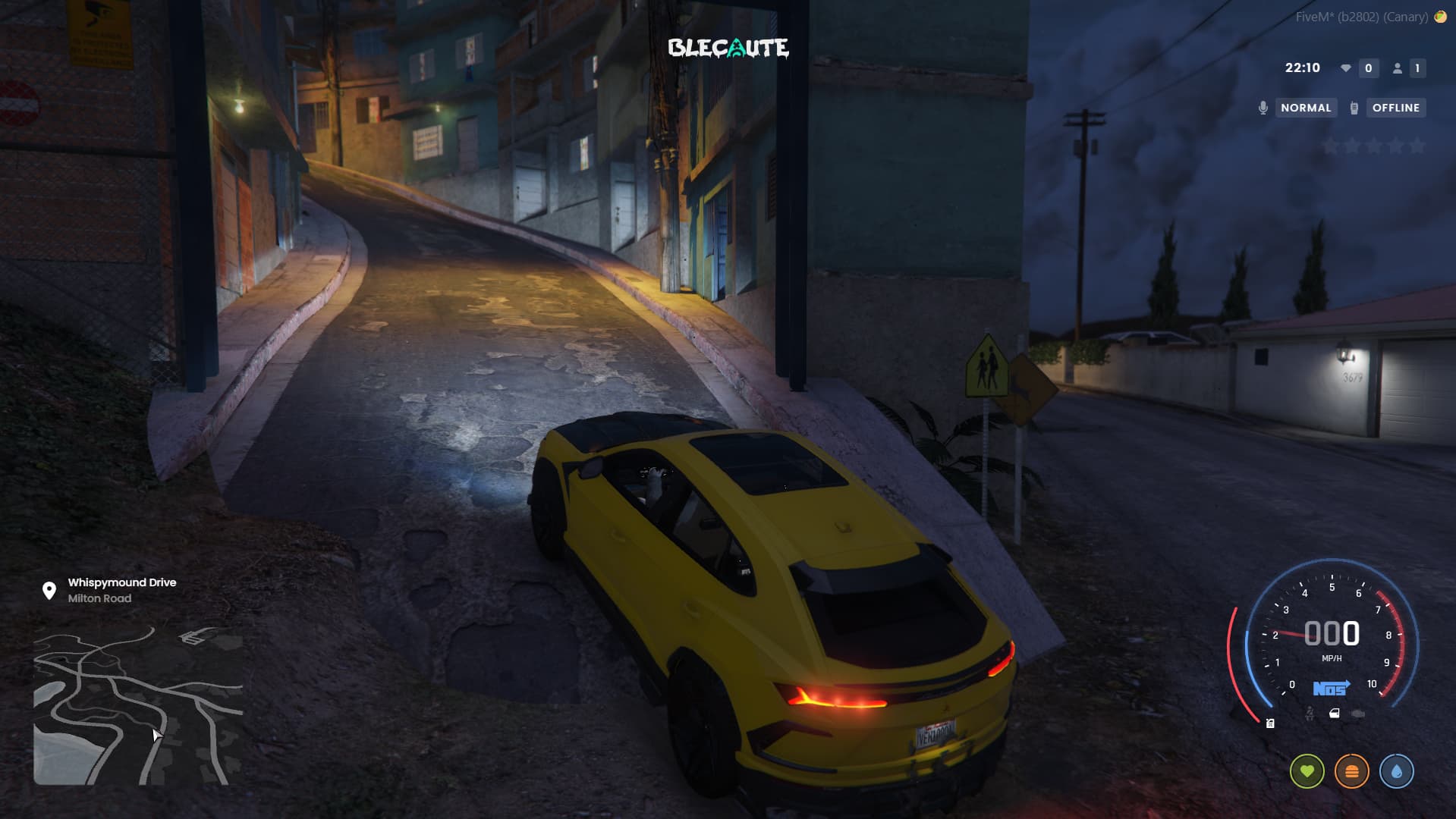
How to create a FiveM city
Since a lot of people are interested now, I’ll leave a short step-by-step guide here.
Having your own FiveM city has its advantages, such as expanding your circle of friends, earning some extra money with houses, cars, VIPs and more.
But before we start, we need to decide which framework we’re going to use.
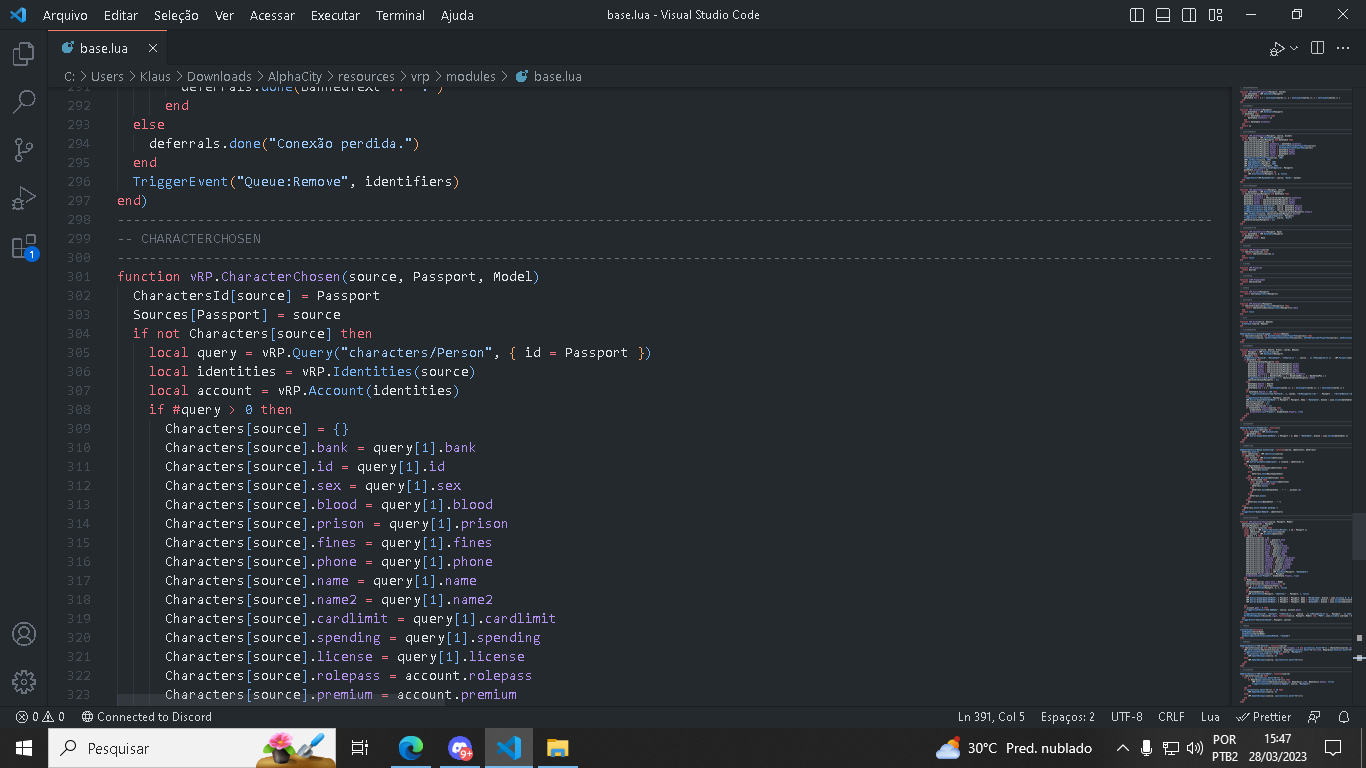
Frameworks
In Brazil there are 3: qbcore, which is widely used by foreigners, vrp/vrpex, the most used in Brazil because it has a huge library of available scripts, and finally Creative, a modified and much more up-to-date version of vrpex.
To help you choose, I’ll list some of their characteristics here:
Creative: not free. Has few scripts. It is sold only by its creator, summerZ. Last time I checked it was 250 reais per month. Most big servers use it, such as Hype RP, Complexo…
QBcore: the script library is large. Compared to vrpex and Creative, it has many more possibilities.
Vrp/Vrpex: free. It has many scripts, but most of them look a bit outdated, unlike Creative and all its modernity.
Hosting
Alright, now that you’ve chosen, let’s go to the Host part, where you need to host all of this. But remember that the best Host option is the one that is closest to you. In our case, in Brazil.
If your server is just starting out, I recommend not getting something too expensive. Don’t go over 10 dollars per month. 2 GB of RAM is already a good start.
I’m not going to tell you which hosting company to choose because I don’t want to be responsible for anything. But there are many out there. I see a lot of people getting Azure servers because of their low cost.
Patreon Key
After the Host, you’ll also need a FiveM Key. It’s what will basically allow you to receive players on your server and make your mods visible to them. Keys are separated by slots: 32, 64, 128, 1024 and 2048 if I remember correctly.
Setup
In this part, you’ll start preparing your VPS and installing all the requirements. We’ll need XAMPP to make your server public, MariaDB to store your players’ data, an executable that will open the ports of your VPS, and the files of your framework and the FXServer files.
Don’t forget to open your server.cfg to change the IP to your VPS IP, and to change your database details.
After that, you just move on to the promotion part and welcome your players 
If you have any questions or if any problem comes up, just post here and I’ll help as soon as I’m available.